Click on the images to view the backgrounds…
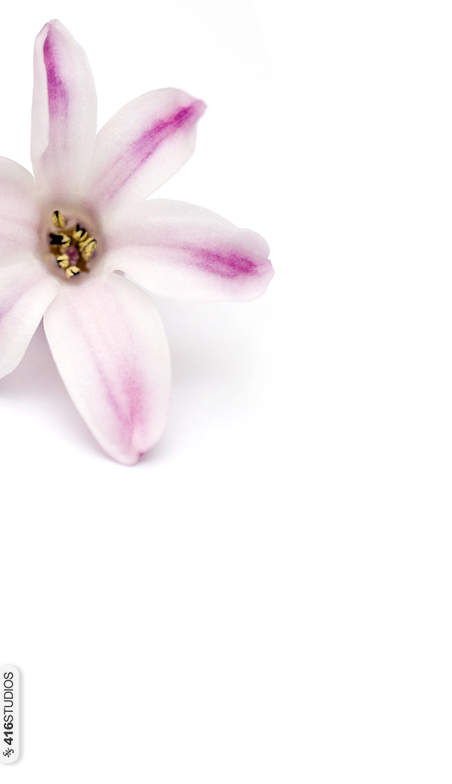




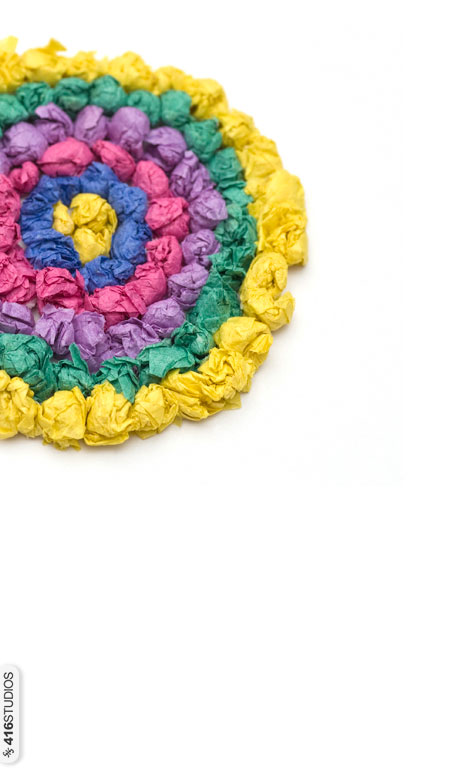
To change the Twitter theme:
- First click to open and save one of the above images to your computer.
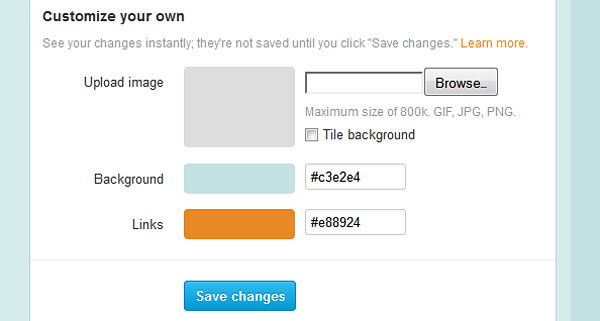
- Then in your Twitter account go to Settings -> Design -> Customize your own.
- Browse and choose previously uploaded image to your computer, do not tick “tile background”.
- Change colours of the background and links as recommended.
- Save changes.
We will be updating this post with more Twitter backgrounds shortly, so stay tuned.